Water and cleaning
The manufacturer specifies IPX6. Do not submerge the device: this rating does not confirm protection during immersion. Clean it according to this model's instructions.
 For business
02 / MAGIC MOTION / Compact design
Slim design. Your own moment.
A slim external design with app scheduling, manual modes and partner control by invitation.
Explore the details ↓Check prices and availability in Kazakhstan with the seller.
25 000 ₸
Price source · Extaz.kz
Checked:
Extaz.kz · Red
View at the seller ↗Confirm purchase terms and availability at Extaz.kz stores before ordering.
Extaz.kz stores ↗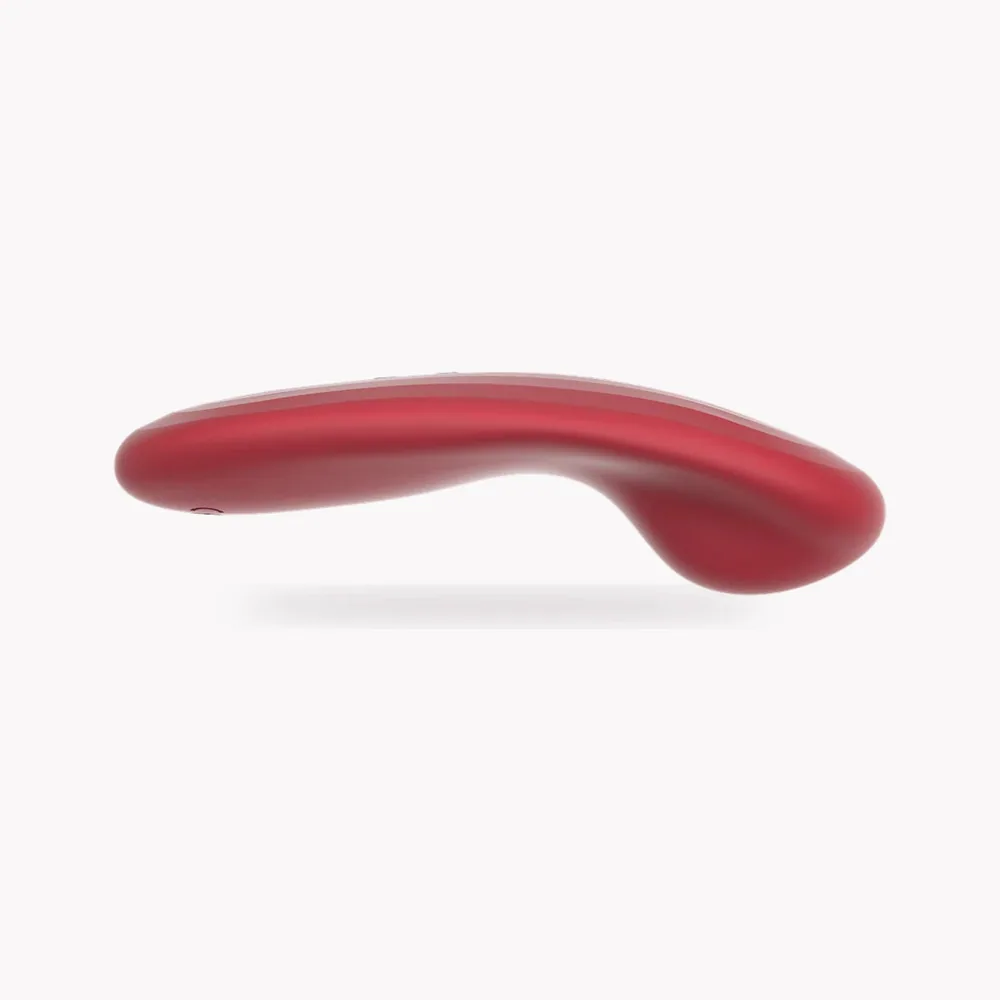
1 / 7
Compact design
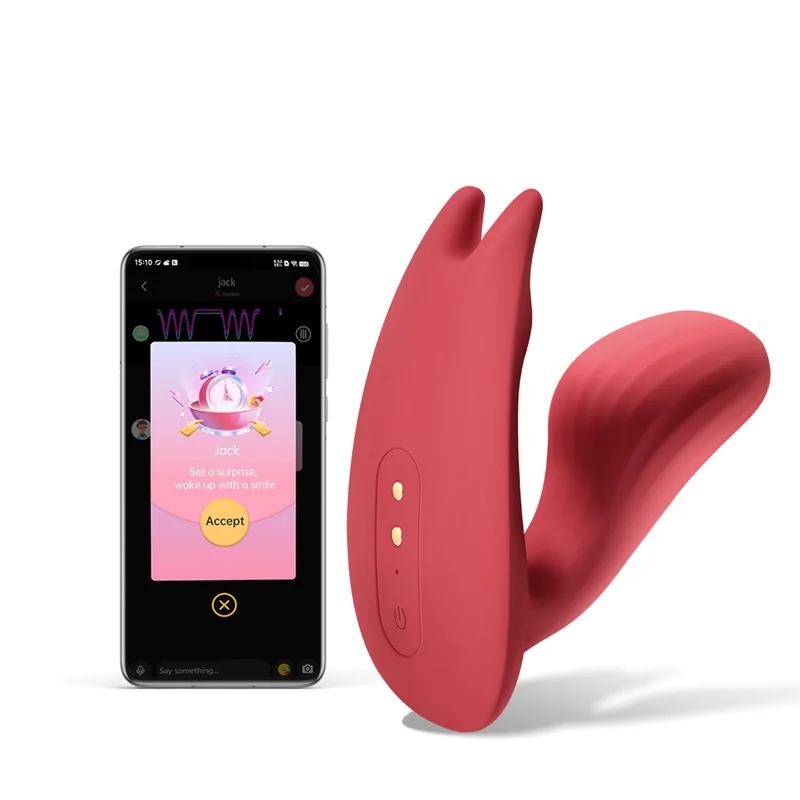
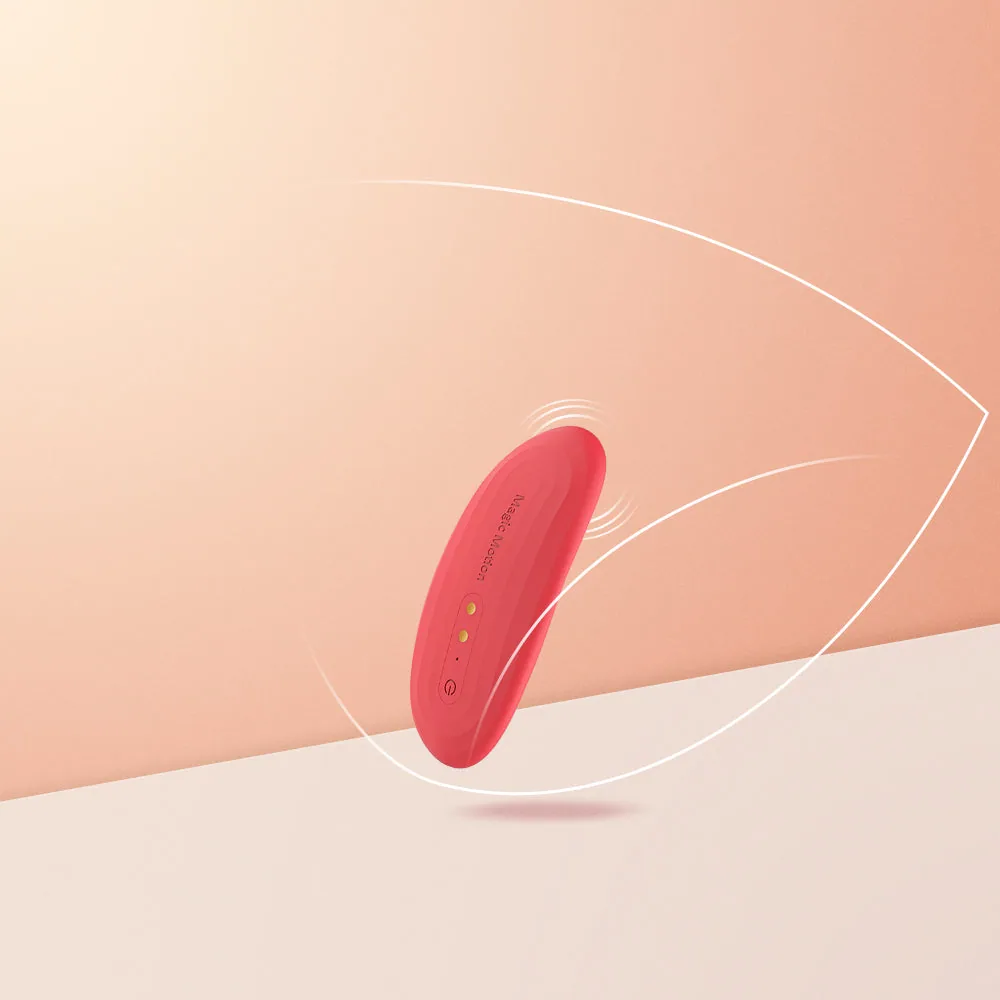
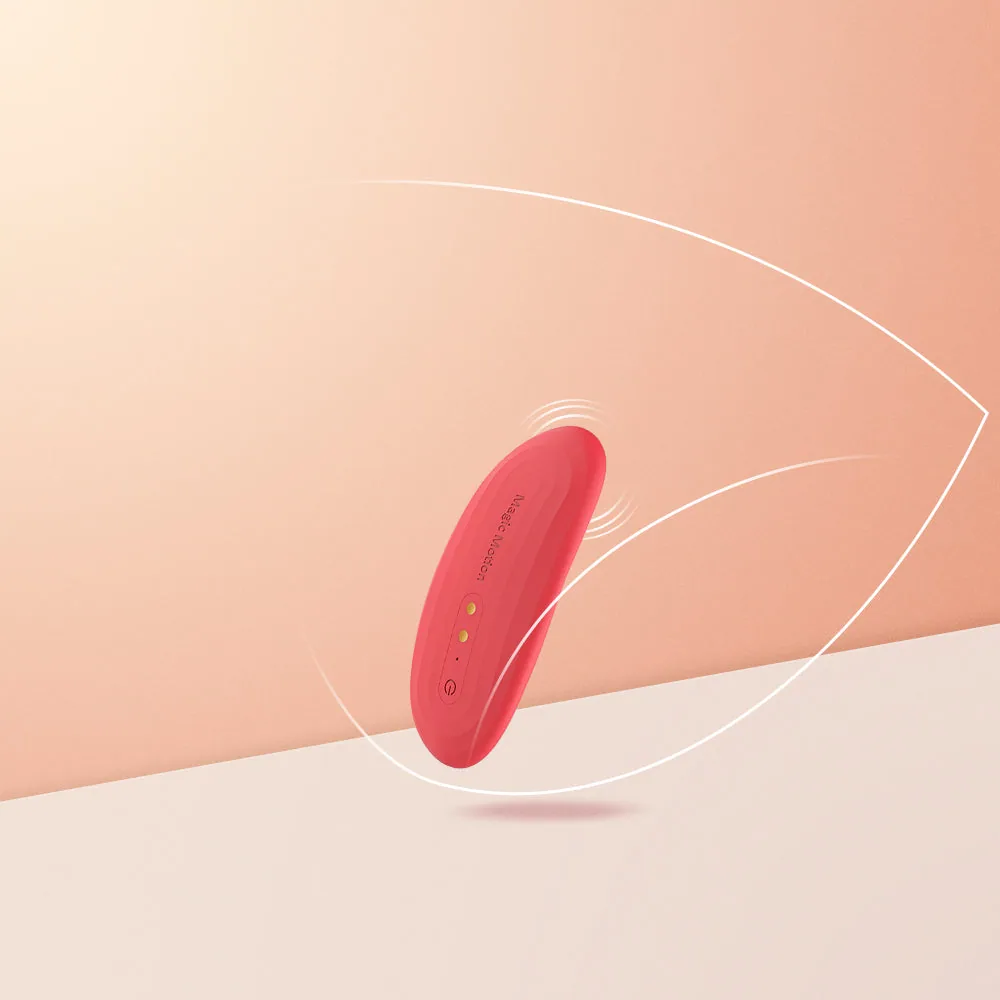
Nyx combines a slim external profile with app scheduling. The button keeps manual modes easy to access.
Magic Nyx / 01
Nyx uses an external wearable format. Its side view shows a shallow curve and a gently raised contact point. Compare its shape with Umi: Nyx offers a low profile, while Umi has a different dual-motor construction.
Magic Nyx / 02
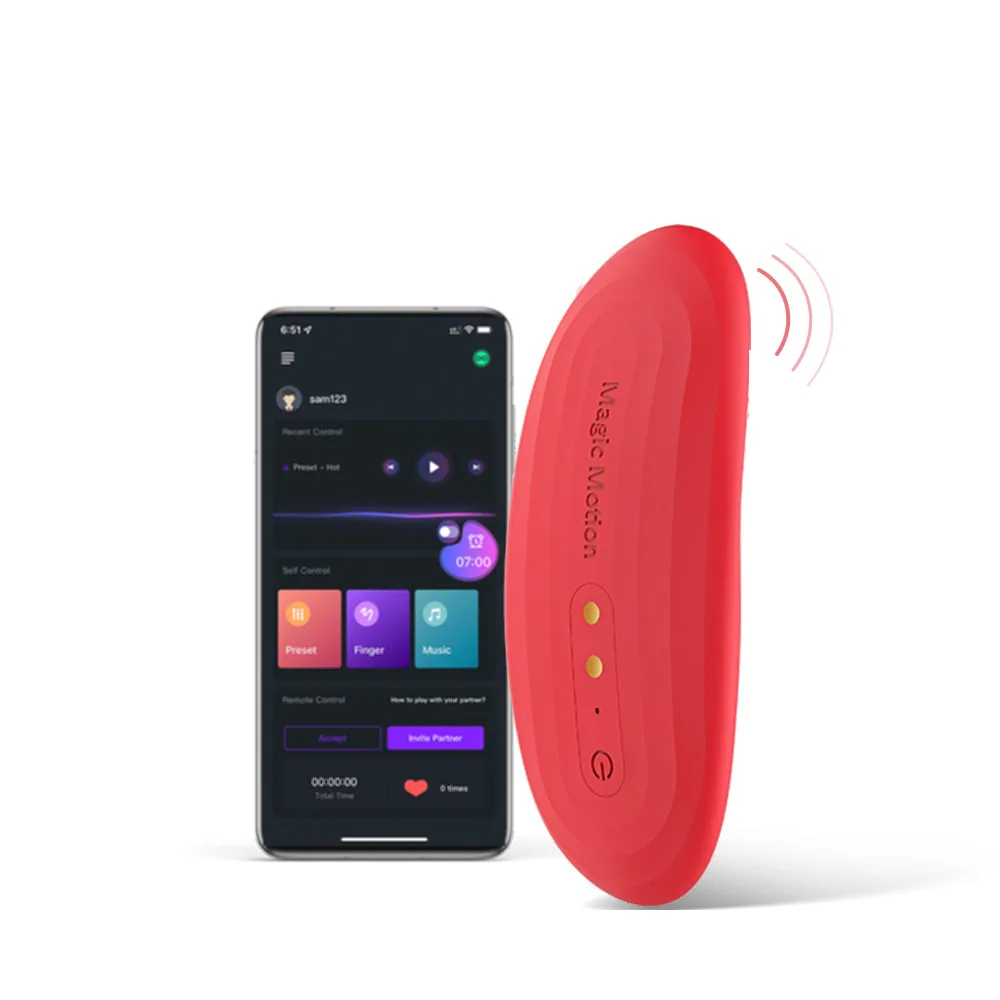
For your own scheduled session, keep Nyx near the connected phone. Select the time in Magic Motion rather than with the device controls. Scheduling is an app-connected feature, so Nyx should not be treated as a standalone alarm without a phone.
Magic Nyx / 03
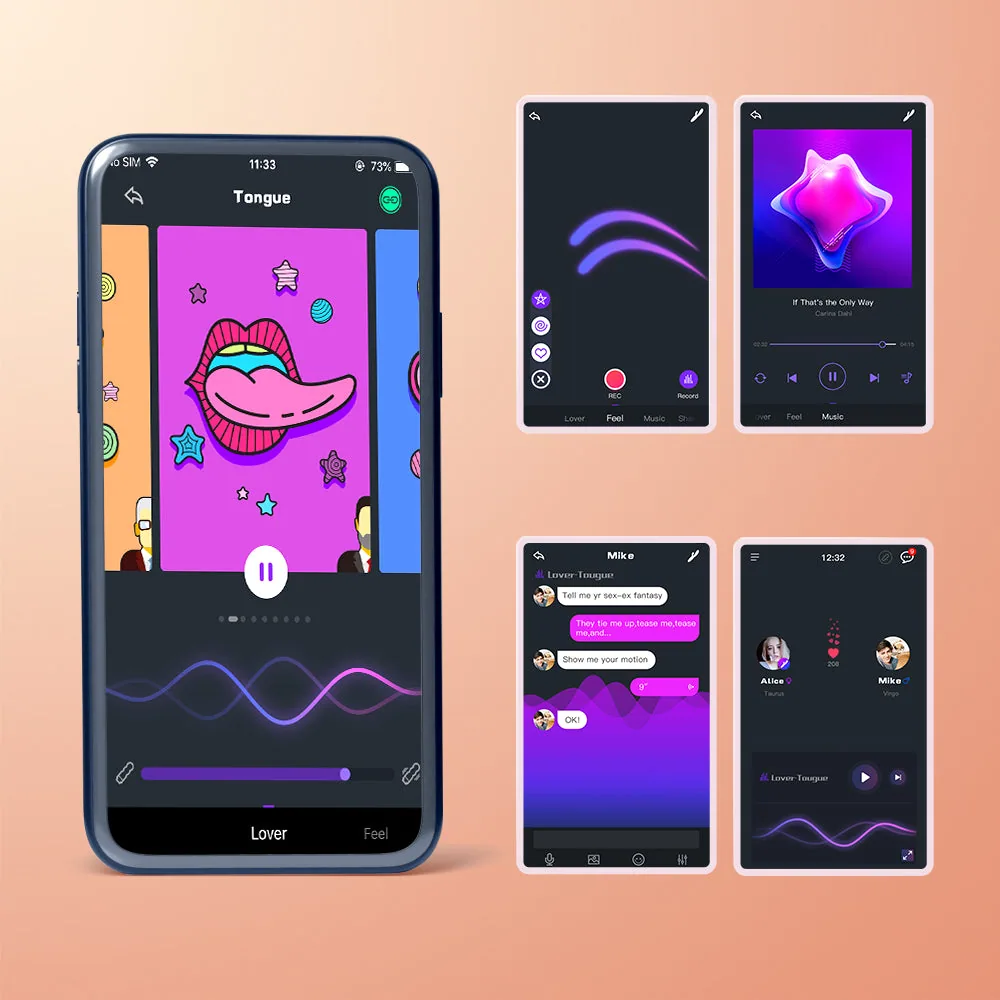
Another user can initiate control in Magic Motion after an accepted connection. Nyx remains connected to the phone near you, while the remote phone communicates over the internet. Your own schedule and agreed remote control are two separate scenarios.
Magic Nyx / 04
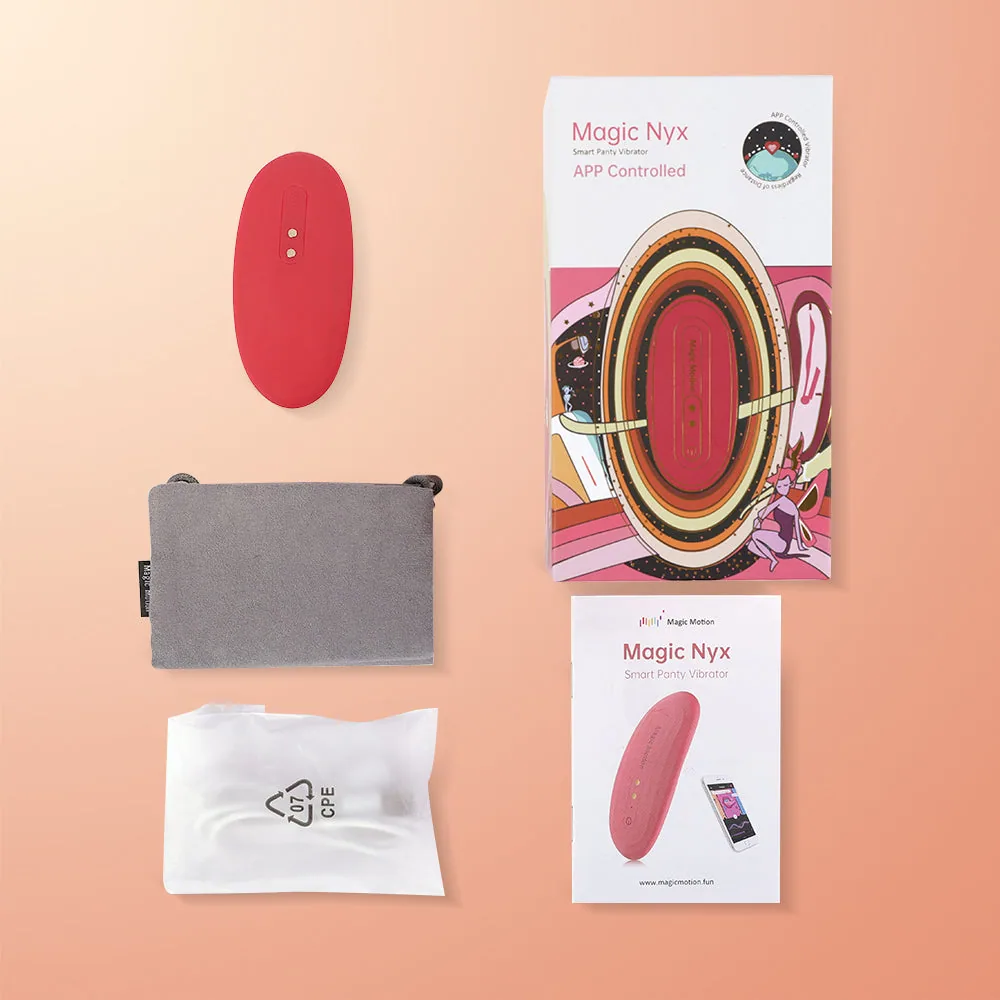
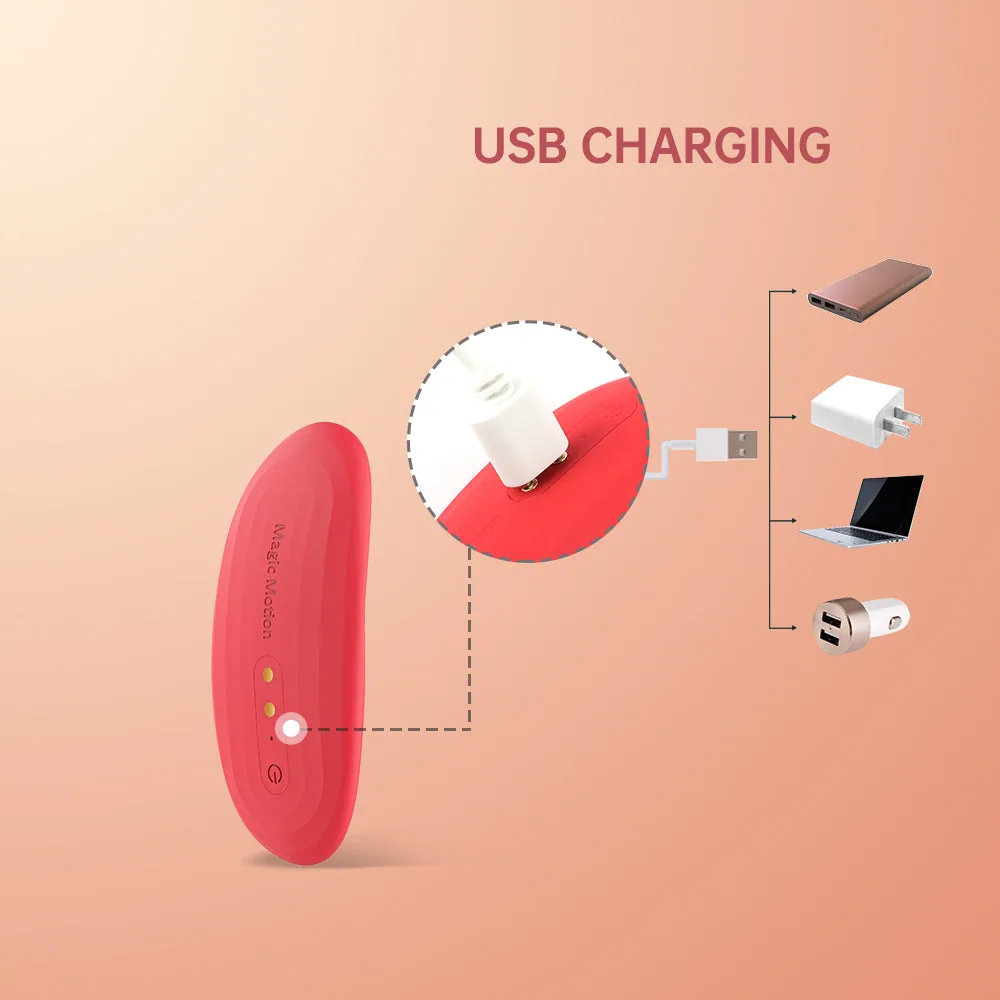
Seven manual modes provide a simple option when extra app settings are unnecessary. The listed kit includes a magnetic USB cable and storage bag. Dry the contacts before charging and the surface before storage; IPX6 does not permit submerging Nyx.
02 / Control and compatibility
Magic Motion lets you adjust patterns and scheduling, and invite a partner to share control. The smartphone stays near the device for connection.
03 / IN DETAIL
Specifications come from the manufacturer's information. Where sources disagree, conflicting values are omitted.
Package contents
Confirm the package contents and edition with the seller before ordering.
Magic Nyx / FAQ
No. Set the schedule in Magic Motion with Nyx near the connected phone. Manual controls select vibration.
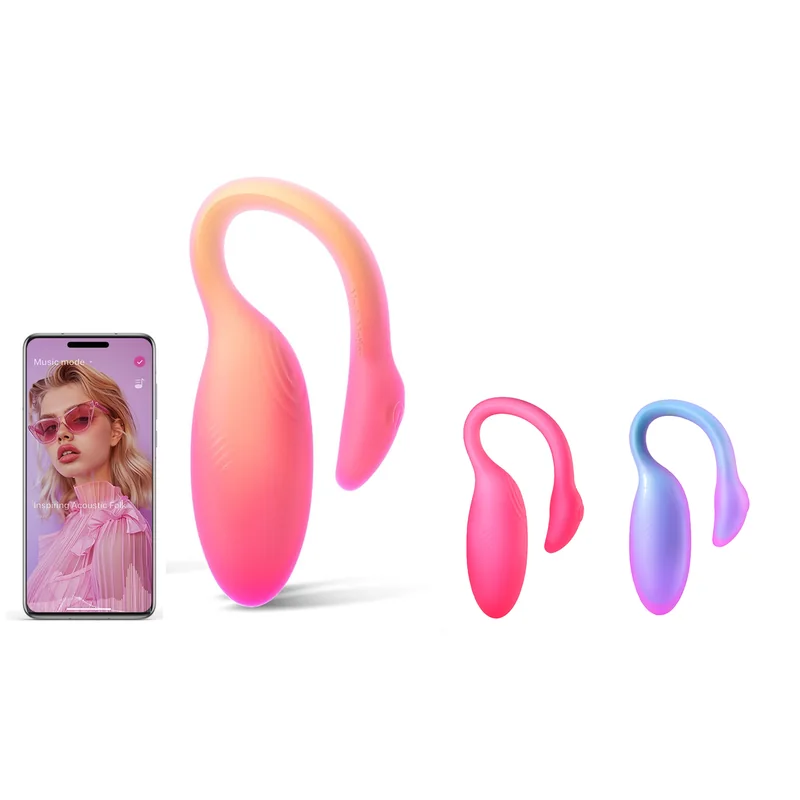
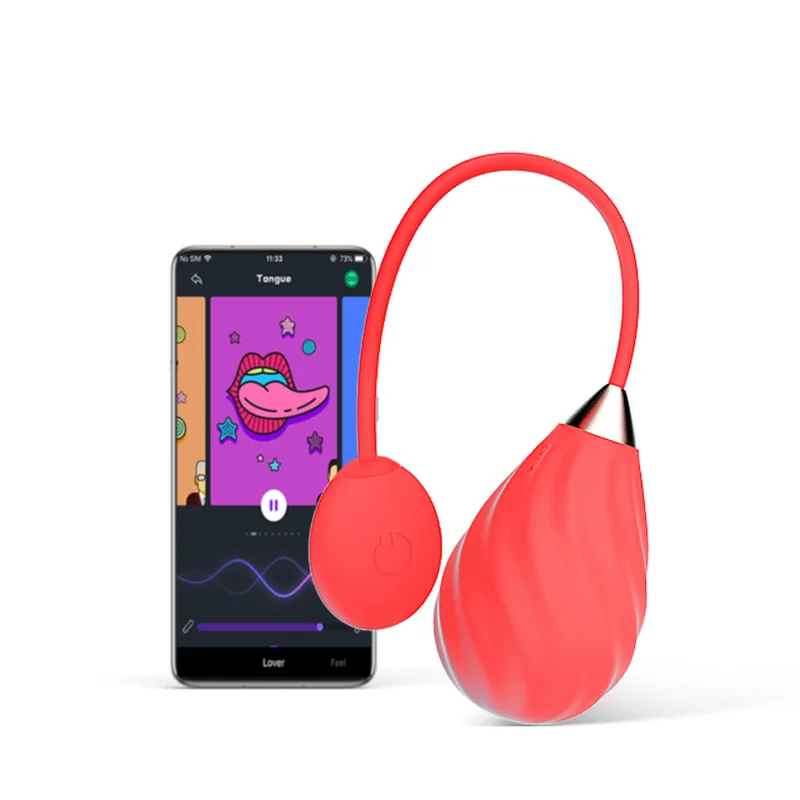
Nyx is a slim external format. Umi has a different shape and two motors; it is a separate model, not a Nyx colour variant.
No. The controls and Magic Motion work without SyncMo. Optional video sync needs a compatible SyncMo setup and is not promised for every video.
Scheduling requires the app and a phone near Nyx.
SyncMo is optional and requires a compatible setup.
04 / DEVICE CARE
The manufacturer specifies IPX6. Do not submerge the device: this rating does not confirm protection during immersion. Clean it according to this model's instructions.
Follow the instructions for this exact model. Dry the device and contacts before connecting the charger. Store in a clean, dry place away from sharp objects.
Start at a comfortable intensity. Clean the surface with warm water and mild soap or a toy cleaner, then dry completely before charging and storage. Do not submerge the device or charging components. Stop if uncomfortable and do not use a damaged device.
This catalogue does not confirm a local seller's offer. Before ordering, check the model, price in tenge, availability, delivery and service terms. Buyer checklist.
Regional warranty procedures are not confirmed here. Ask the seller who handles claims and which documents are required. The manufacturer's global terms do not replace the terms of your purchase.
Check the supplied instructions and the manufacturer's information at the links below. If versions differ, refer to the markings on your device.